Installation:
FortiClient VPN can be installed from 2 locations:
1. Company Portal
Within Company Portal search for Forticlient: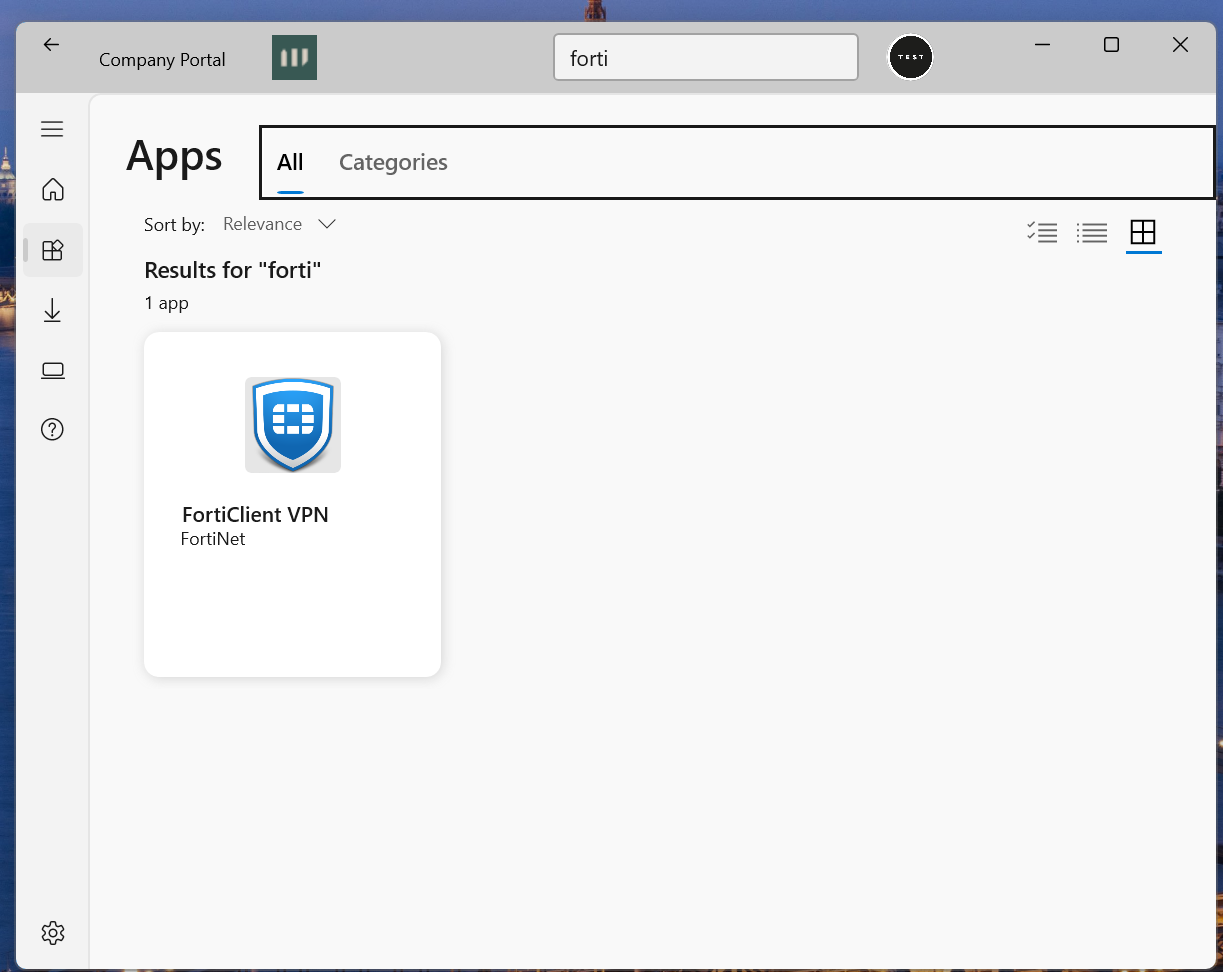
Click on Forticclient in click install.
Once installed skip option 2 see user settings below.
2. While in office.
The .exe file is in
\\multi01\Applications\Misc_NewBuild\FortiClientVPNSetup_6.2.6.0951_x64
→ Admin access required
Once installed, fill-in the details as per below:
User Settings:
Enter settings as follows:
 Click Save
Enter username (firstname.lastname and not email address)
Enter password which should be the same as your Microsfot 365/PC login.
And click connect

Was this article helpful?
That’s Great!
Thank you for your feedback
Sorry! We couldn't be helpful
Thank you for your feedback
Feedback sent
We appreciate your effort and will try to fix the article